

If you’ve worked with React long enough, you’ve probably come across the dreaded error: “TypeError: Cannot read property ‘map’ of undefined.” This error is especially common when rendering lists in React and can be frustrating for beginners and experienced developers alike. The good news is that it’s usually easy to fix once you understand what

If you are working with Node.js and npm, chances are you have already run into the frustrating error where npm start simply refuses to work. This issue is common among developers, whether they are beginners setting up their first React app or experienced coders managing multiple projects. Fortunately, most of the causes behind this error

If you are a Node.js developer, encountering npm ERR! code ERESOLVE can be a frustrating experience. This error usually occurs when npm struggles to resolve conflicting dependencies in your project’s dependency tree. Understanding why it happens and how to fix it is essential for maintaining a healthy Node.js project. The error is common in projects

When setting up a Node.js server, one of the common errors developers encounter is the dreaded EADDRINUSE error. At first glance, this might look cryptic, but it simply means that the port your application is trying to use is already in use by another process. If you’ve ever run node server.js and been met with

When working with React applications, you might come across the cryptic error message: “You need to enable JavaScript to run this app.” This is a common issue that typically appears in production builds or when trying to access a React app through a browser. Although it sounds simple, it can be frustrating if you’re unsure

If you’re working on a Node.js project and suddenly hit the error: bash: yarn: command not found Don’t worry — this is a common issue, especially when switching environments, reinstalling systems, or working on new Linux setups. In this guide, we’ll explain why this error occurs, how to fix it step by step, and share

If you’re a developer looking to deploy your Node.js app without breaking the bank, you’re in luck. In 2025, there are several free Node.js hosting platforms that offer generous resources, no upfront cost, and zero credit card requirements. Whether you’re testing an app, building a portfolio, or launching a hobby project, this guide will walk
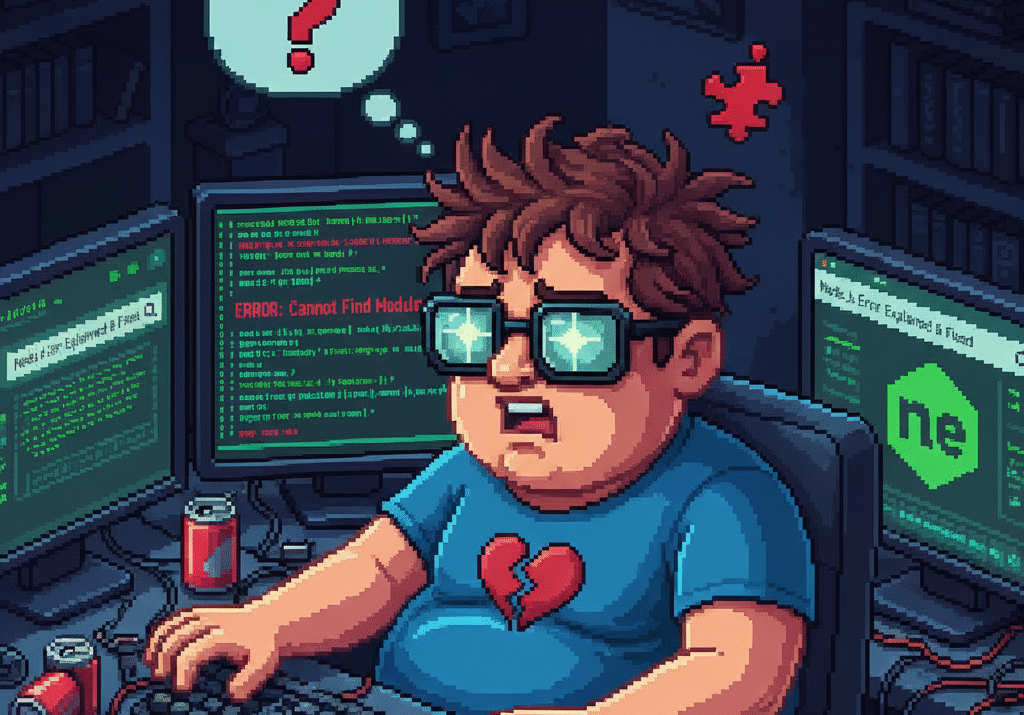
When working with Node.js, using environment variables is a standard and secure way to manage sensitive configurations like API keys, database credentials, or tokens. The dotenv package is the most commonly used tool for this purpose. But if you’re here, you’ve probably run into a frustrating error that looks like this: javascript Error: Cannot find

If you’ve worked with Node.js and used npm (Node Package Manager), you’ve likely come across warnings during installation like: bash npm WARN deprecated <package-name>@<version>: This version is no longer maintained. These messages can be confusing — especially for beginners — and may cause concern about your project’s stability. But don’t worry: they’re usually informational warnings,